

The queue management system that keeps customer flow moving
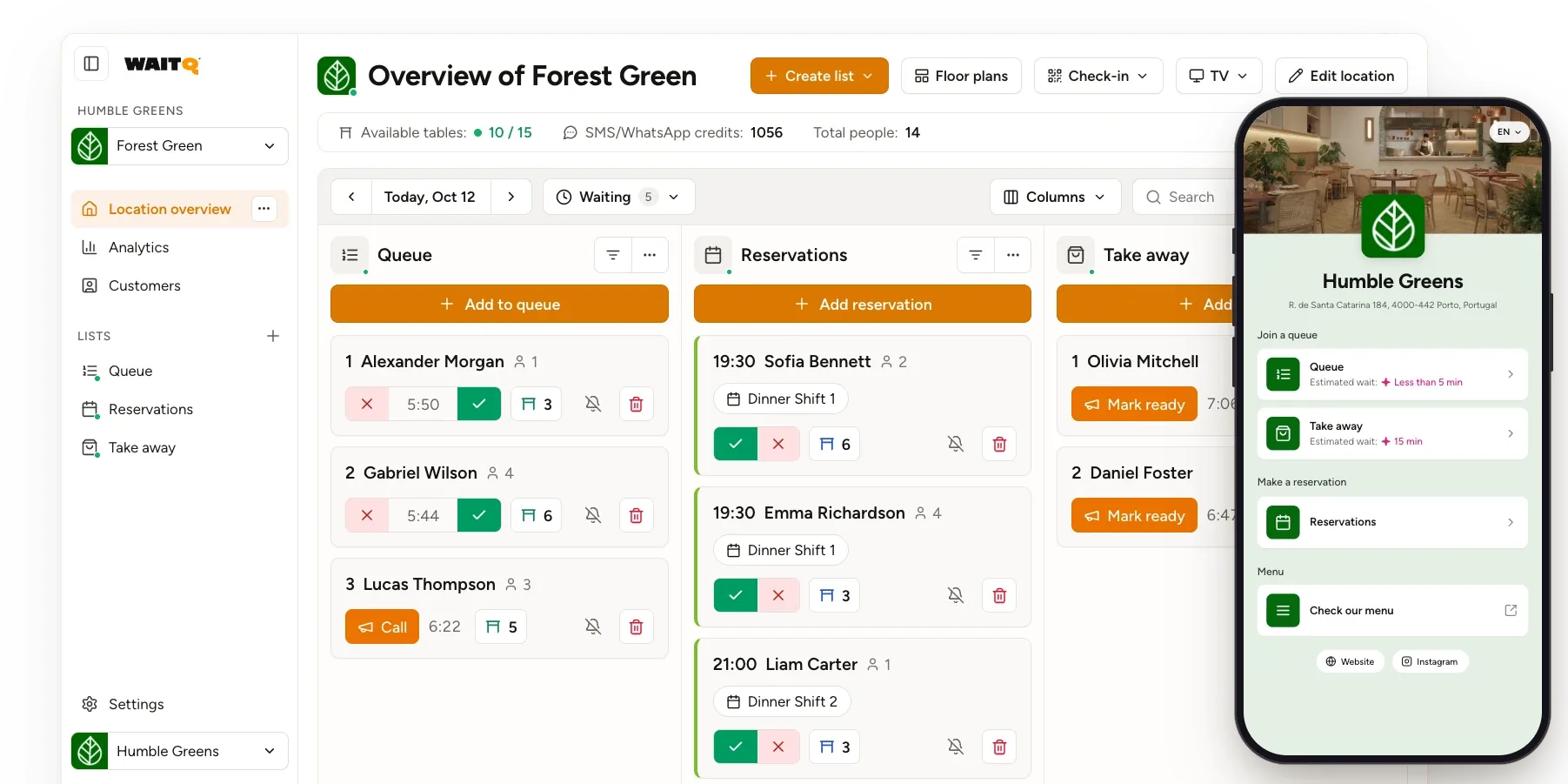
Customers join your queue or book ahead from their phone. You run walk-ins and bookings together, with real data on every wait, at every location.
No app downloads • Unlimited customers • Free 7-day trial
Trusted by businesses of every size








What is WaitQ?
WaitQ is a queue management system for businesses with a line at the door.
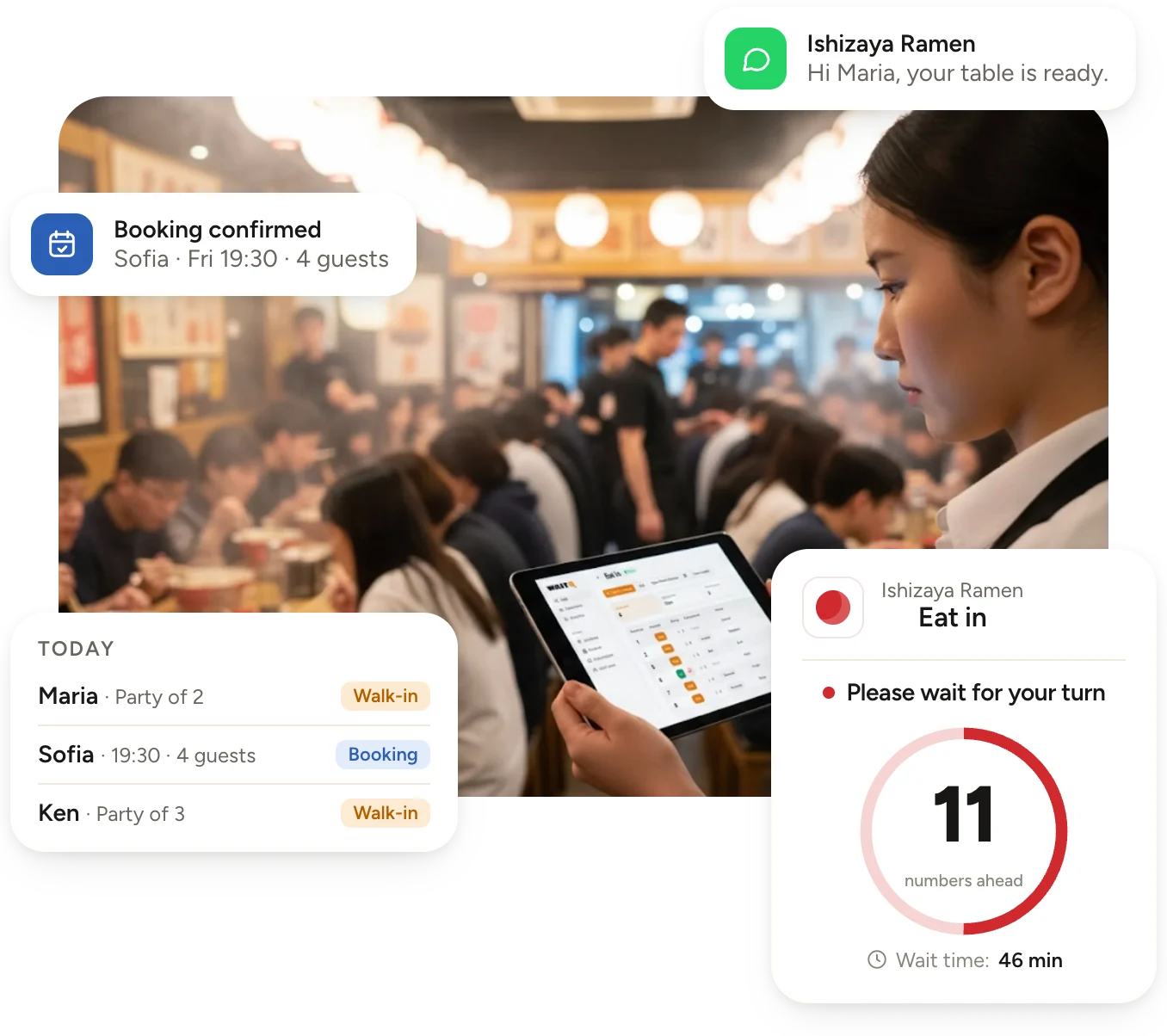
Customers join a digital queue from their phones or at a kiosk and get a message when it's their turn. WaitQ also takes online bookings, so your team runs walk-ins and reservations in one place.
- Unlimited visits
- No app downloads
- No per-visit fees
How WaitQ works
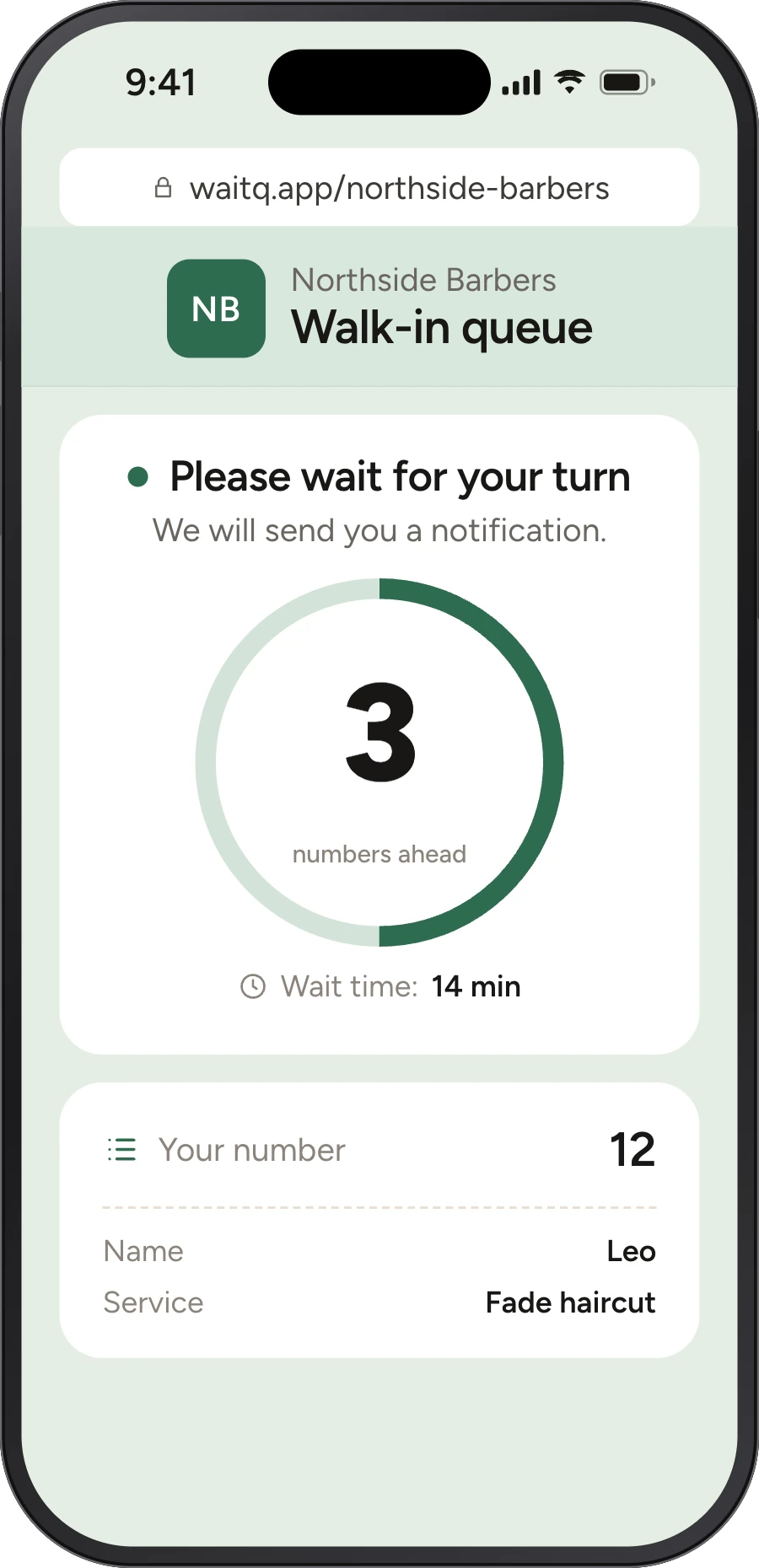
From restaurants to barbershops, customers join from their phone, wait wherever they like and come back the moment it's their turn.
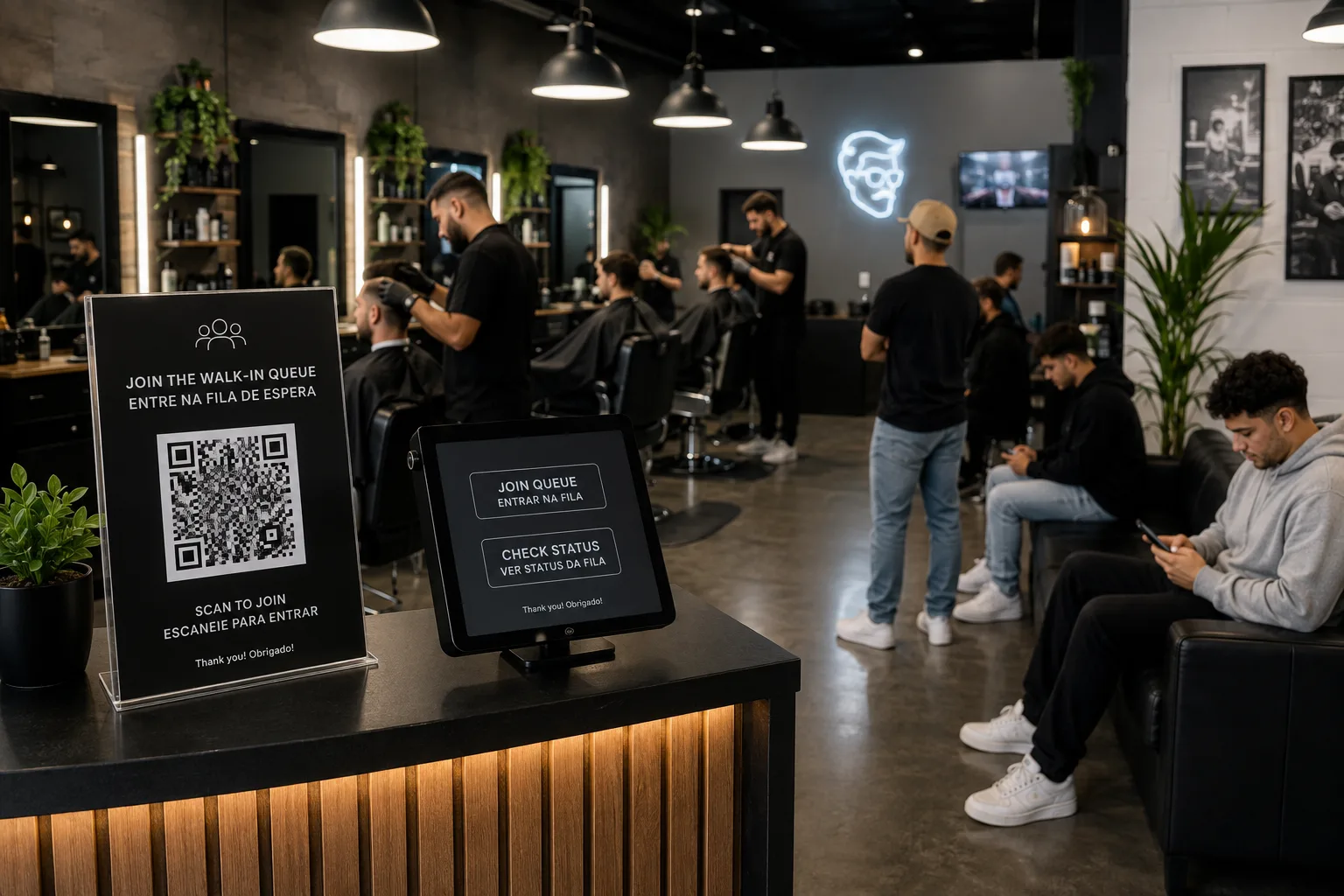

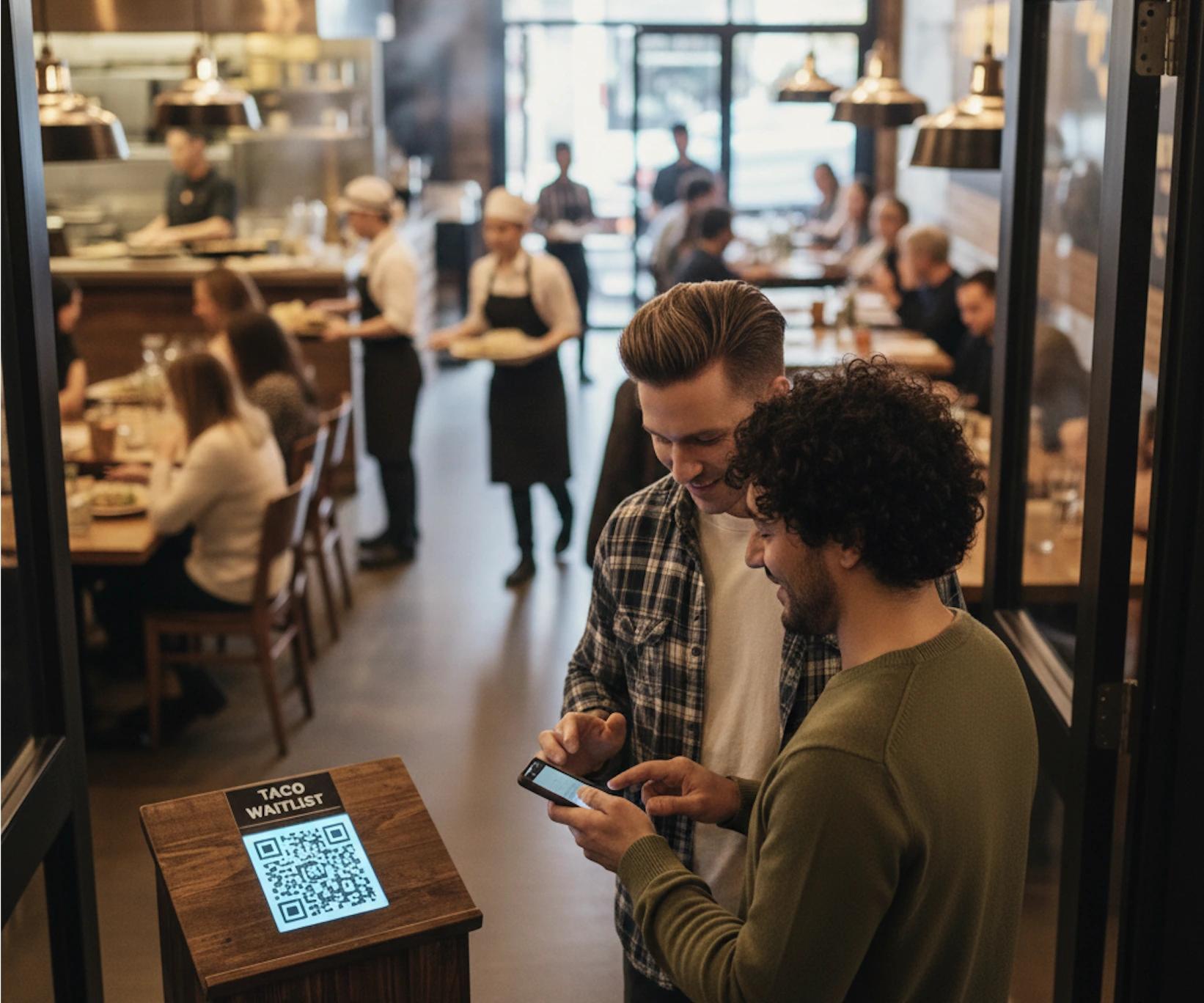
- 01Join from a QR codeCustomers scan the QR code at your door and join the queue from their own phone, with no app to download.
- Explore the virtual waiting room
- Explore notifications
See the queue in action
Let your guests wait anywhere
Open this page on a computer or tablet to try the live demo, or start your own queue free.
Inside WaitQ
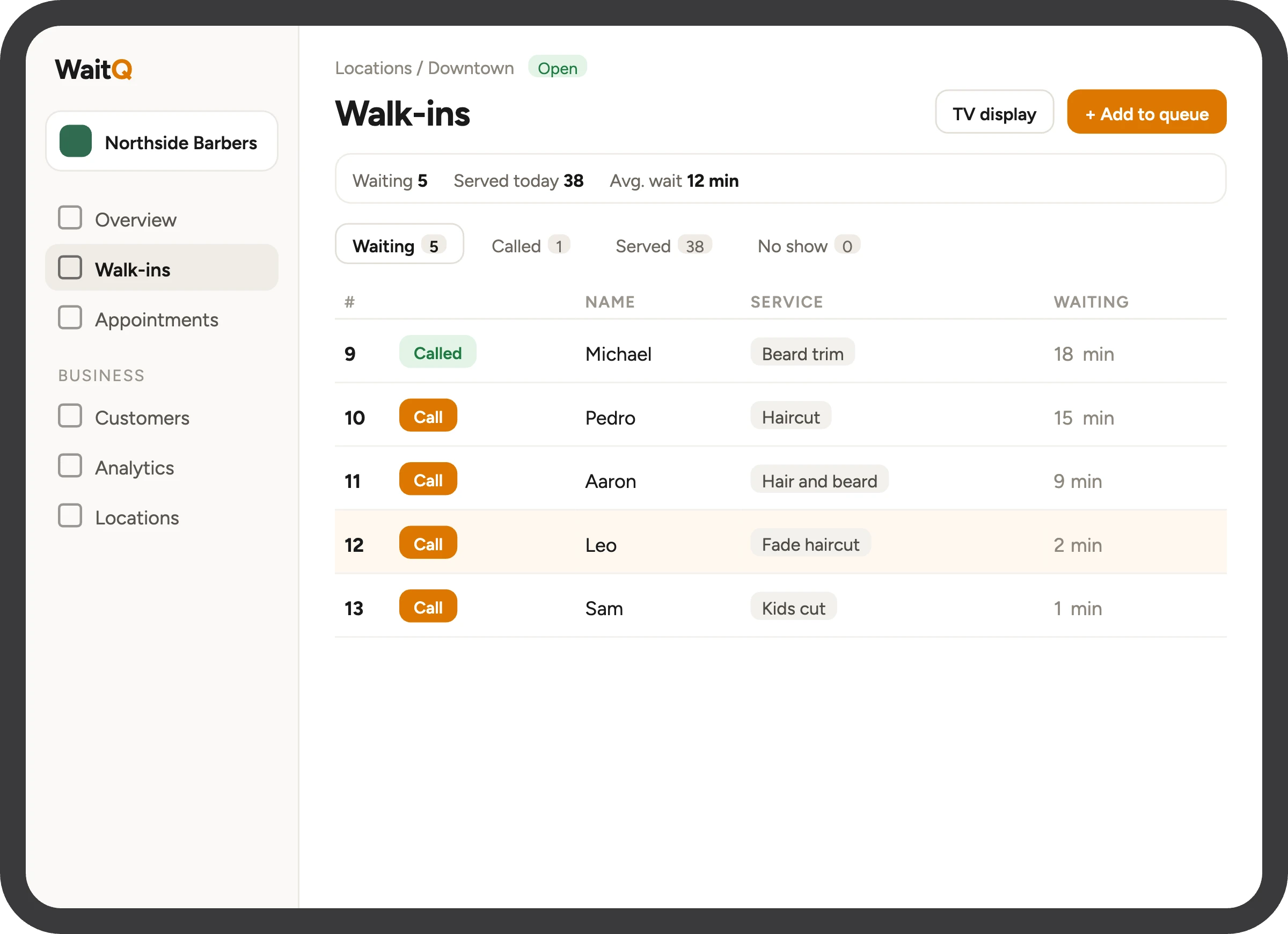
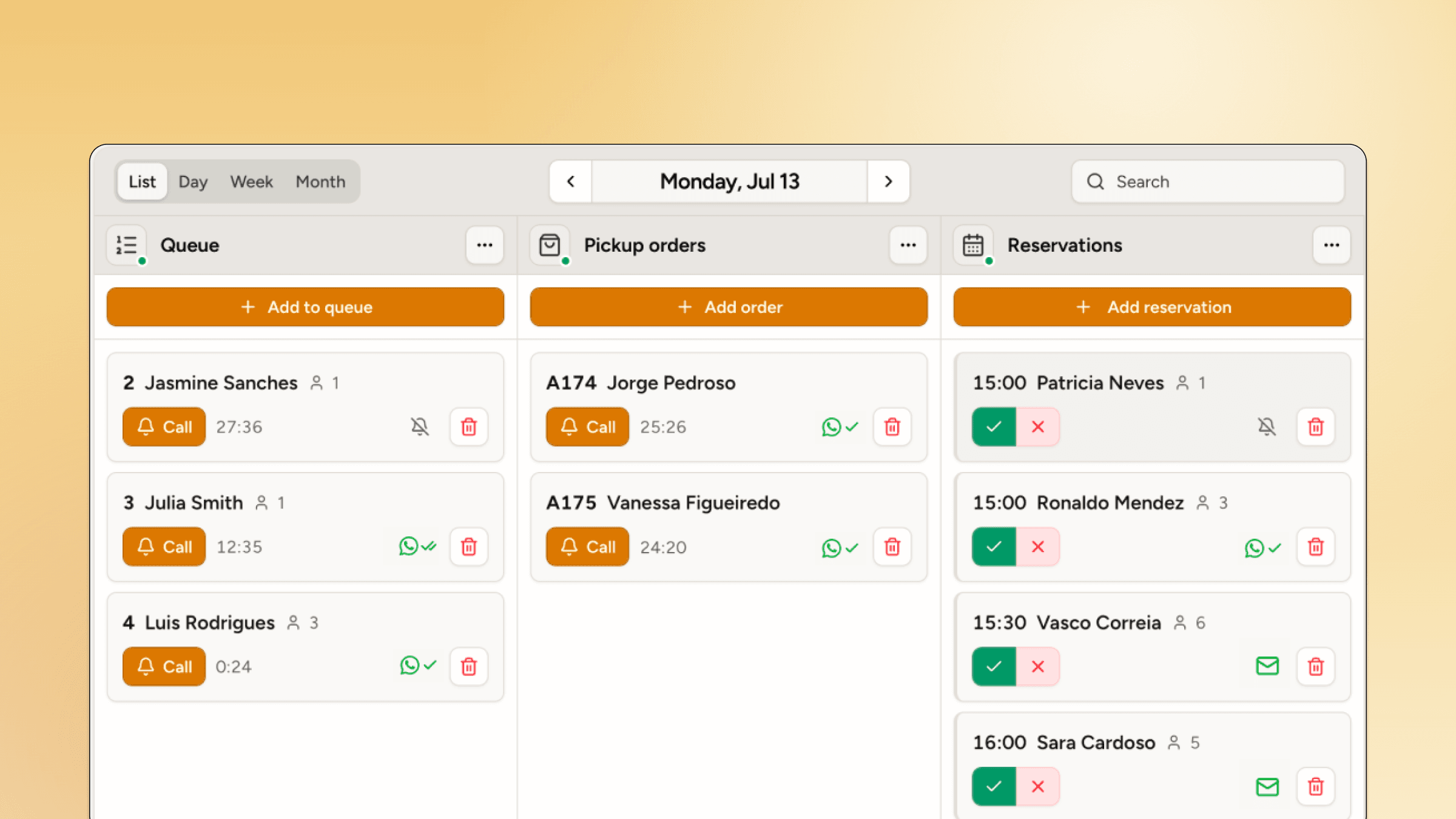
Everything your front desk needs, on one screen
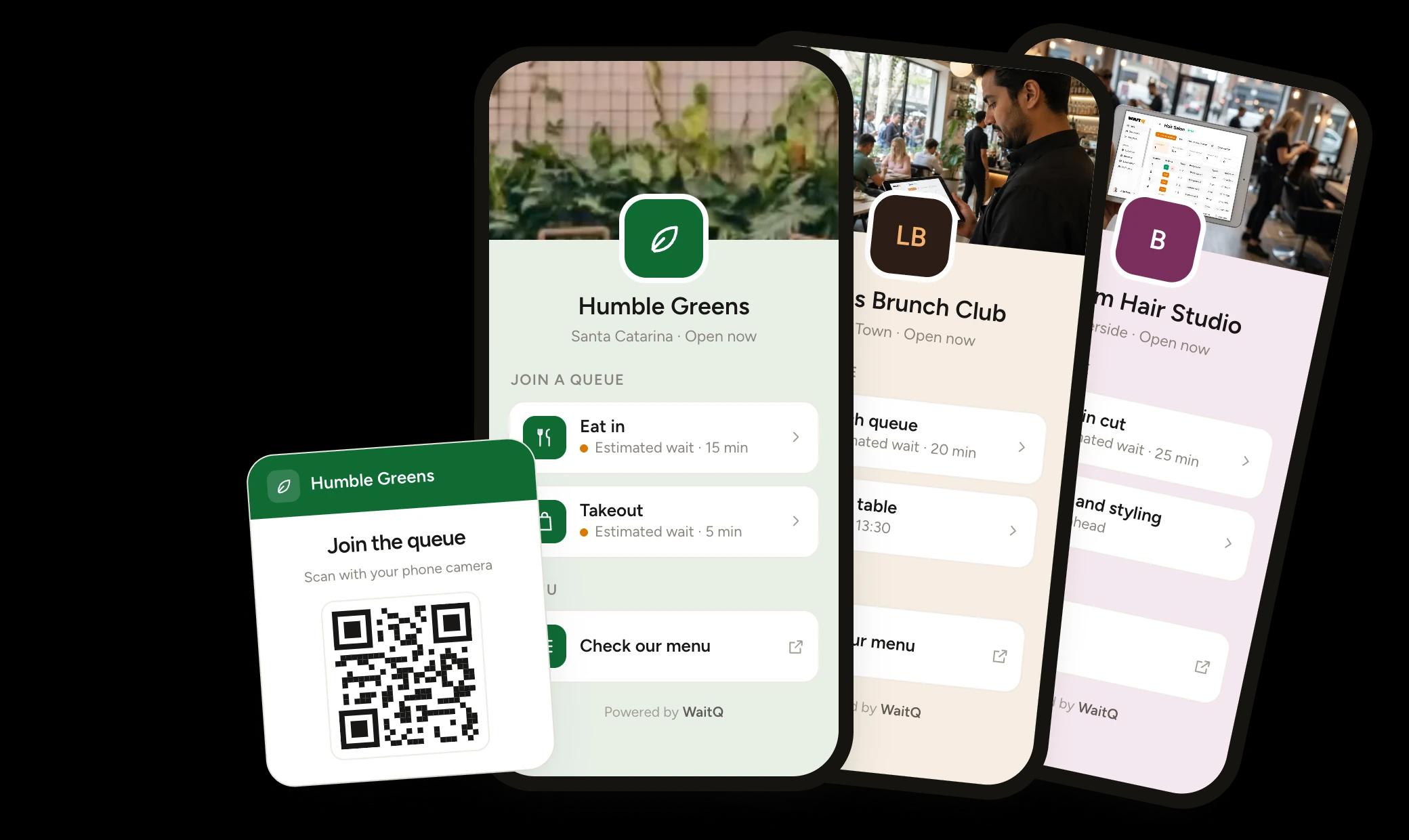
Your logo, colours and custom fields, on a QR code page or a kiosk at the door.
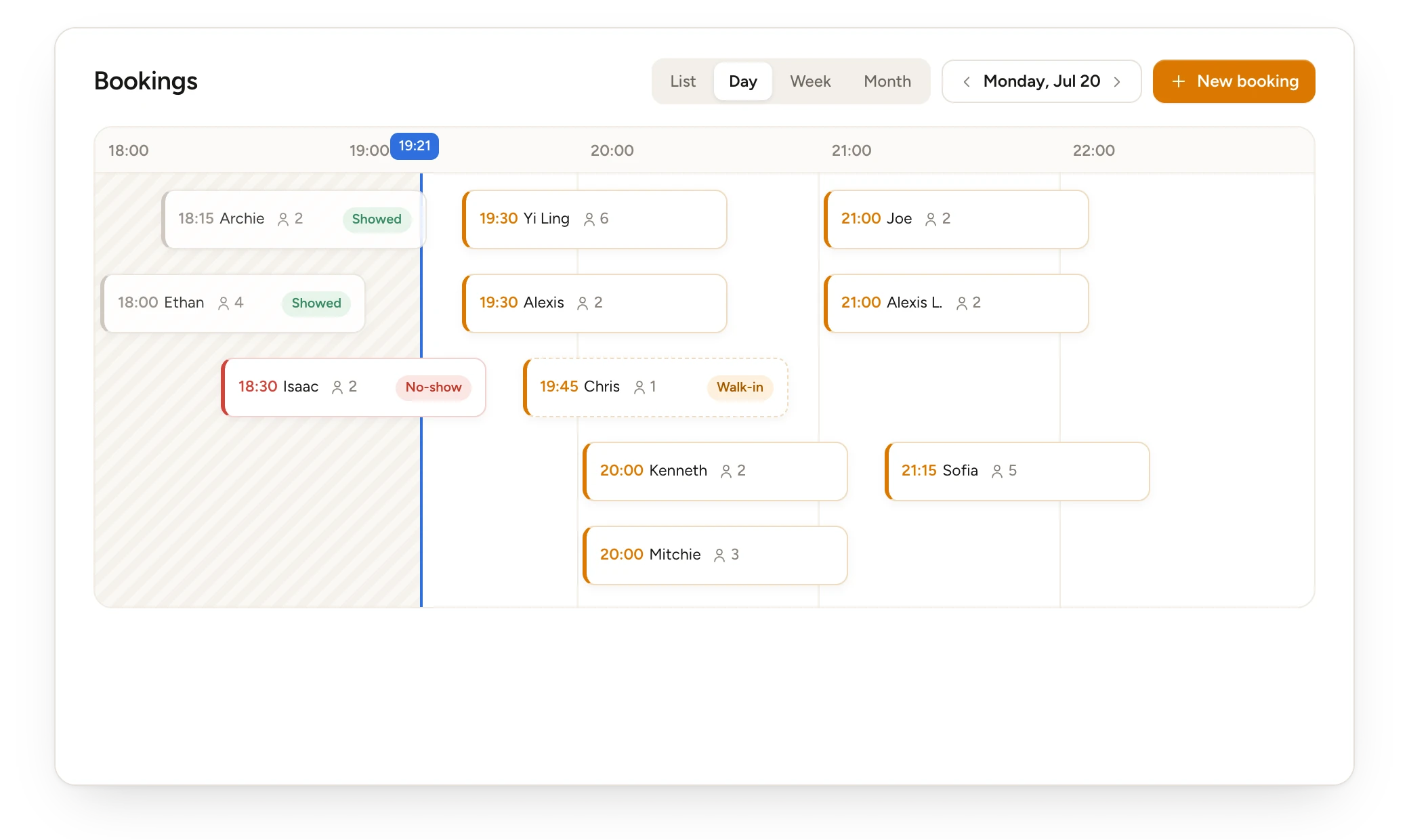
Explore the check-in pageCustomers book online, and you see bookings beside the walk-in queue.
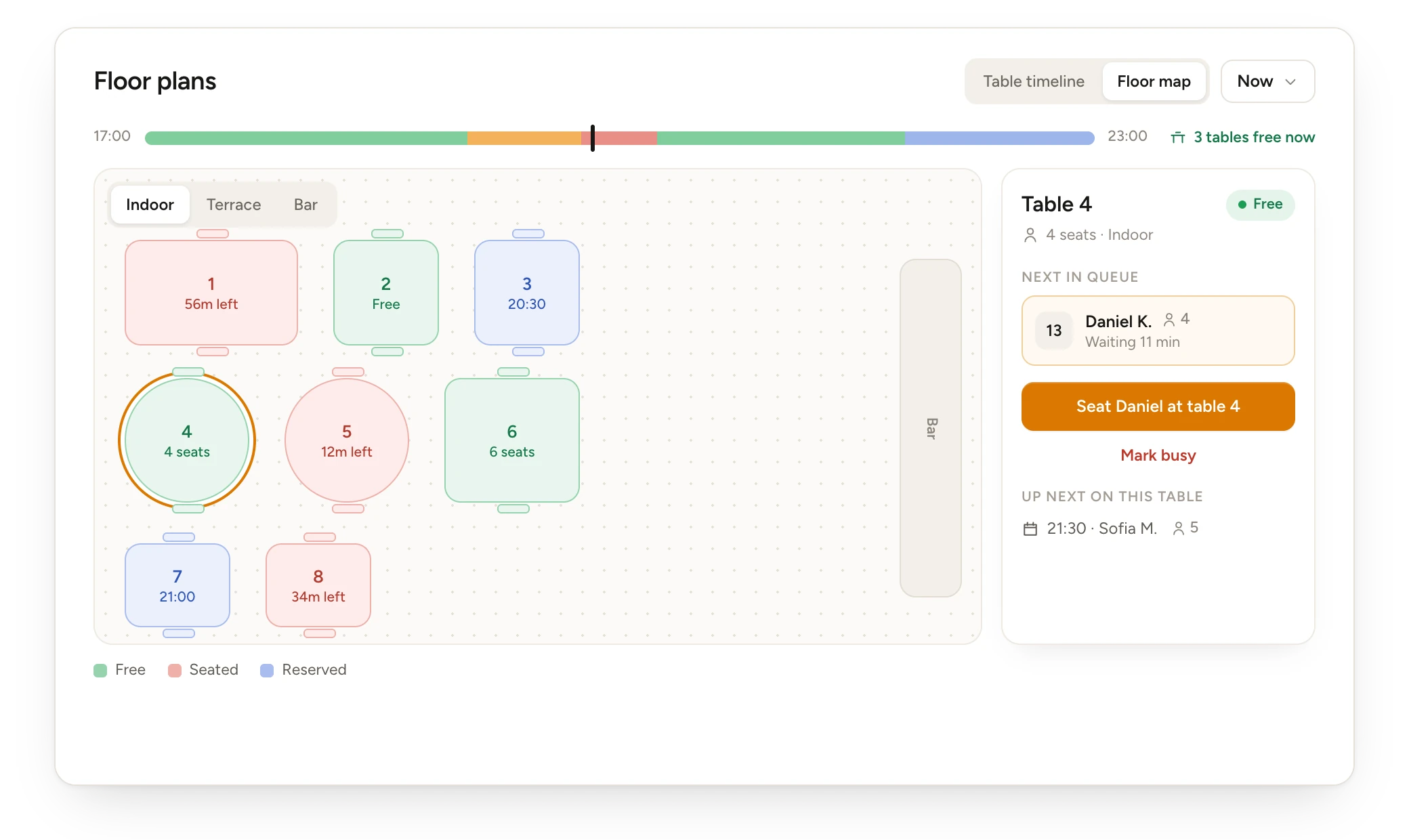
Explore appointmentsSee free tables and counters at a glance and seat the next party.
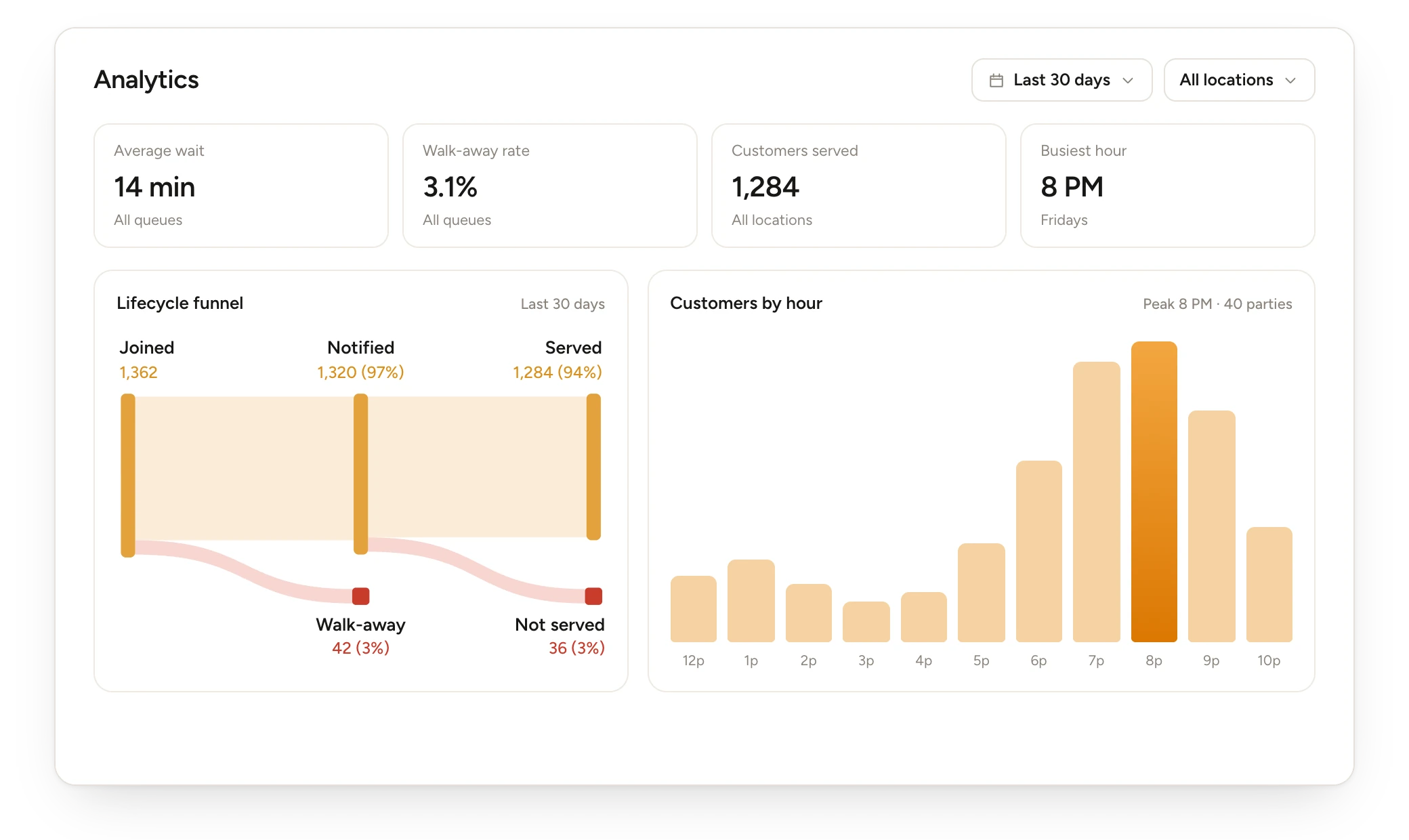
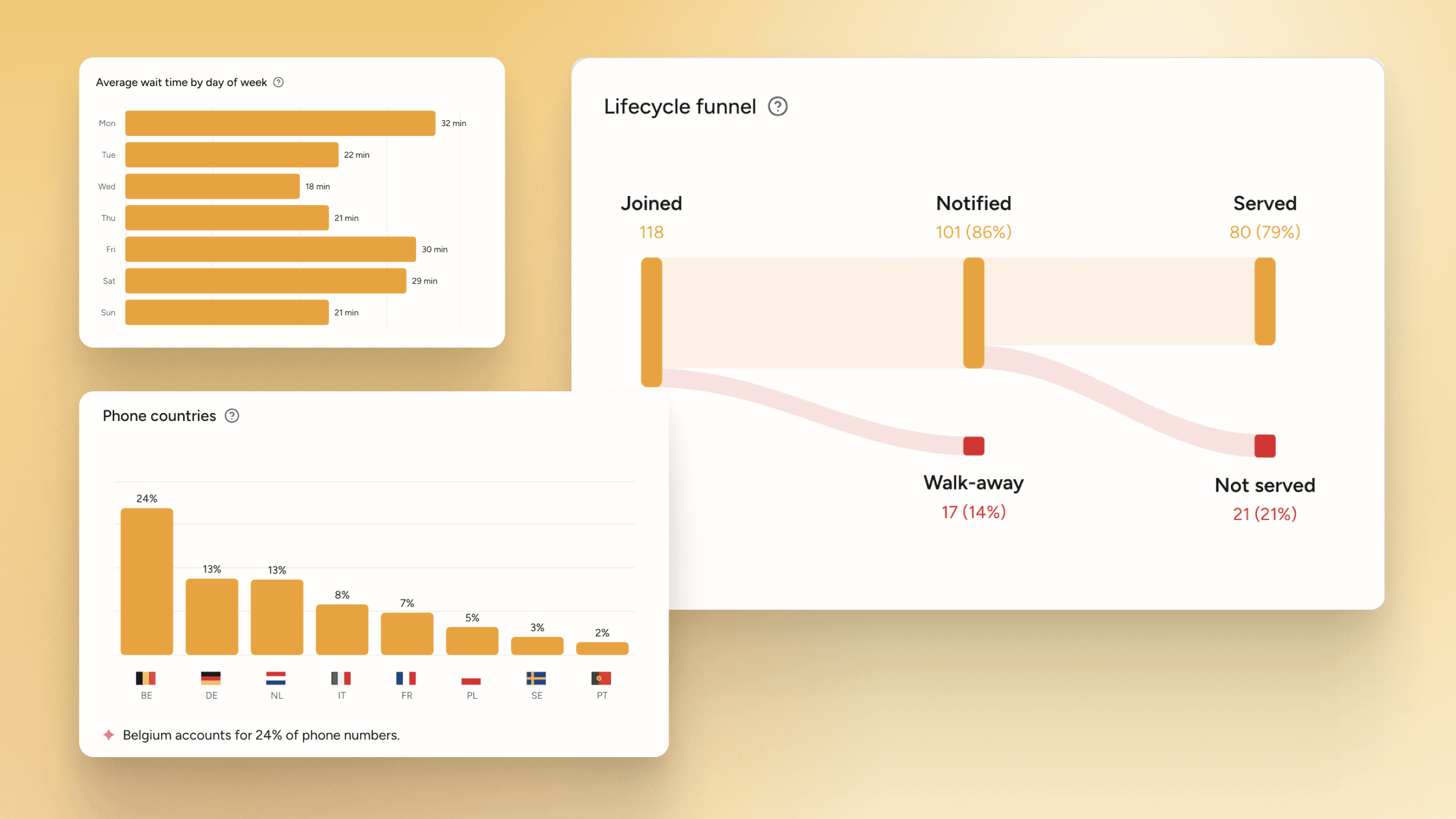
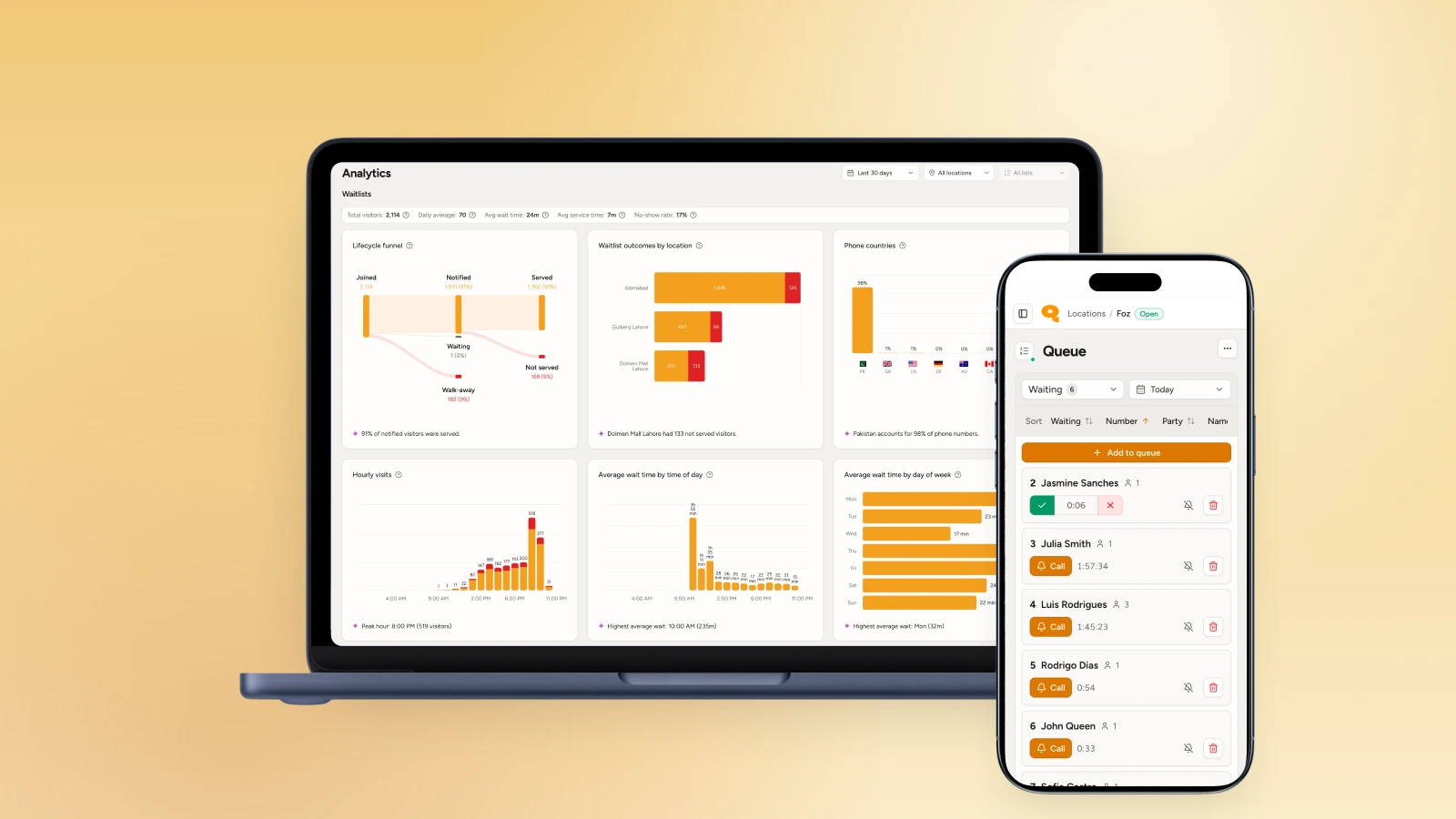
Explore digital floorplansTrack wait times, walk-aways and your busiest hours.
Explore analytics
What makes us different
Built for the busy
No visit caps, ready alerts on every channel, and it runs on the devices you already have.
No caps on how you grow
Unlimited visits across every location. There are no caps or overage fees on any WaitQ plan.
Called back the moment it’s their turn
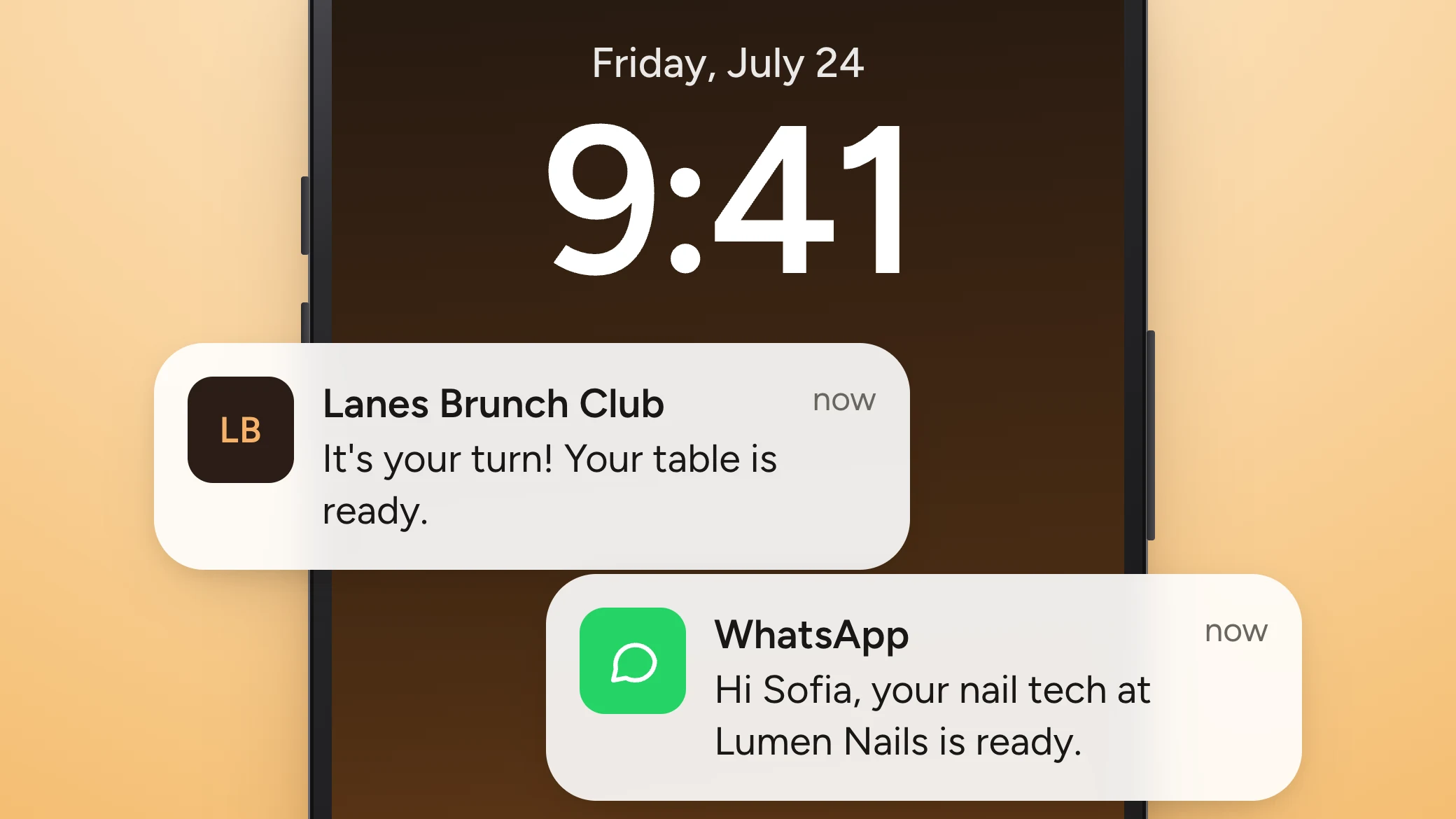
A push notification, SMS, WhatsApp or email tells customers their table or chair is ready, wherever they’re waiting.
One view for walk-ins and bookings
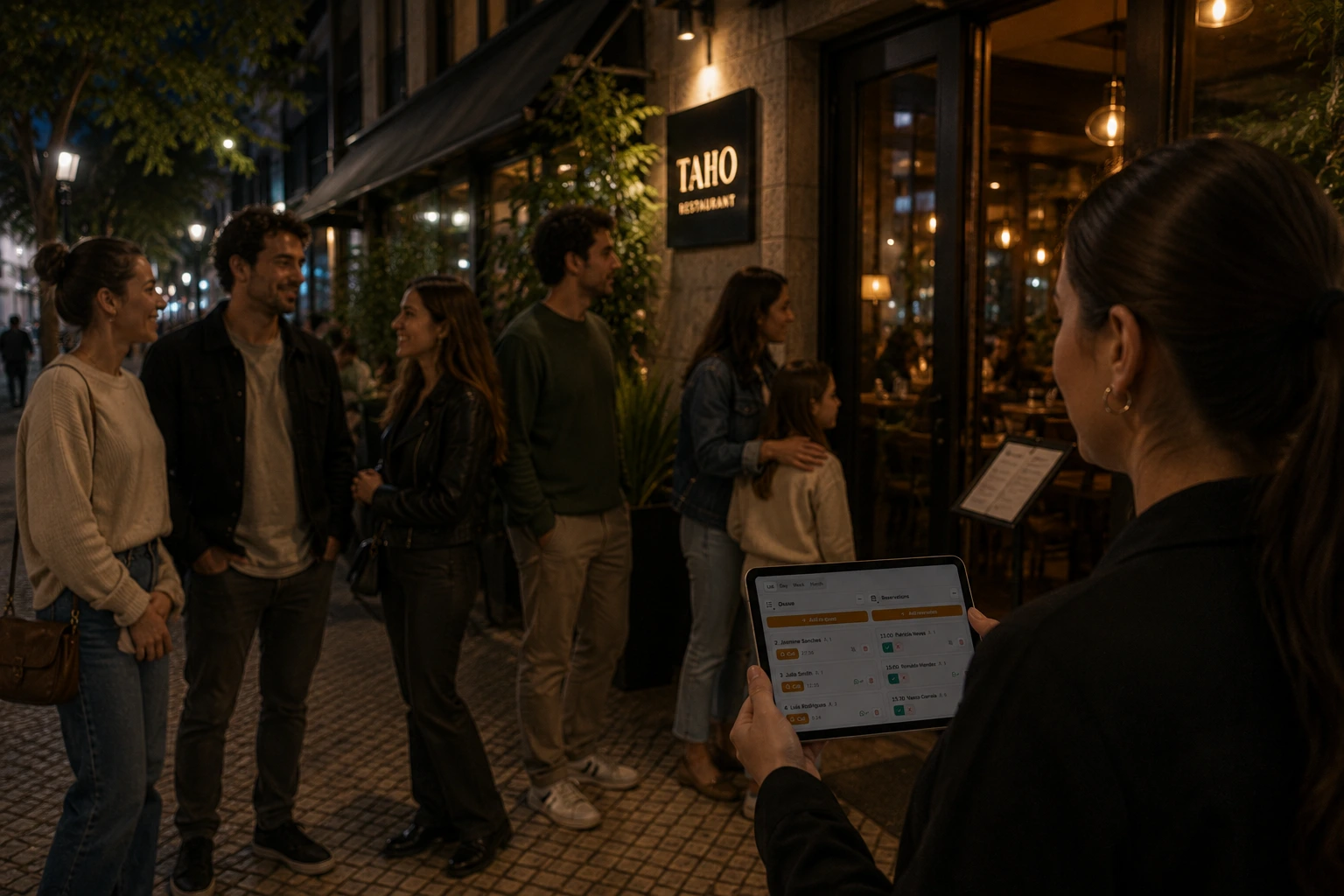
Bookings and walk-ins sit side by side in one dashboard with multiple queues for every location.
Easy to install and onboard
WaitQ runs in the browser on the phones, tablets and screens you already own.
Connected to the tools you use
Integrate the WaitQ system with Zapier, Calendar, Claude MCP, and much more.

Industries
Wherever there's a wait, we can improve it
Set up for how your business actually runs, from a single chair to a hotel with five desks.
Restaurants & cafes
Run your walk-in waitlist and reservations from one screen, at restaurants, cafes and food trucks.
- QR check-in
- Floor plan and tables
- WhatsApp and SMS updates
- Reservations
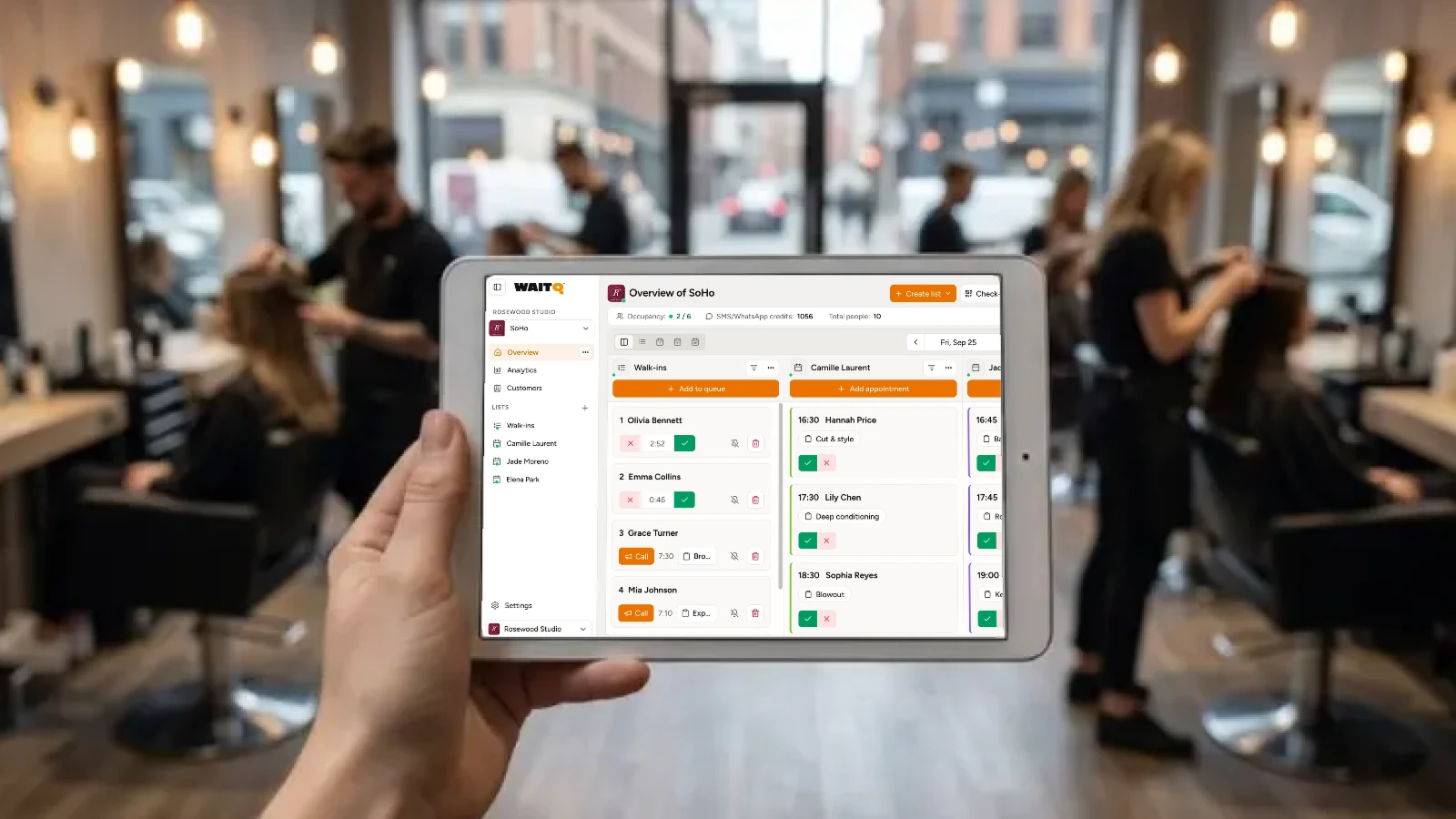
Barbershops
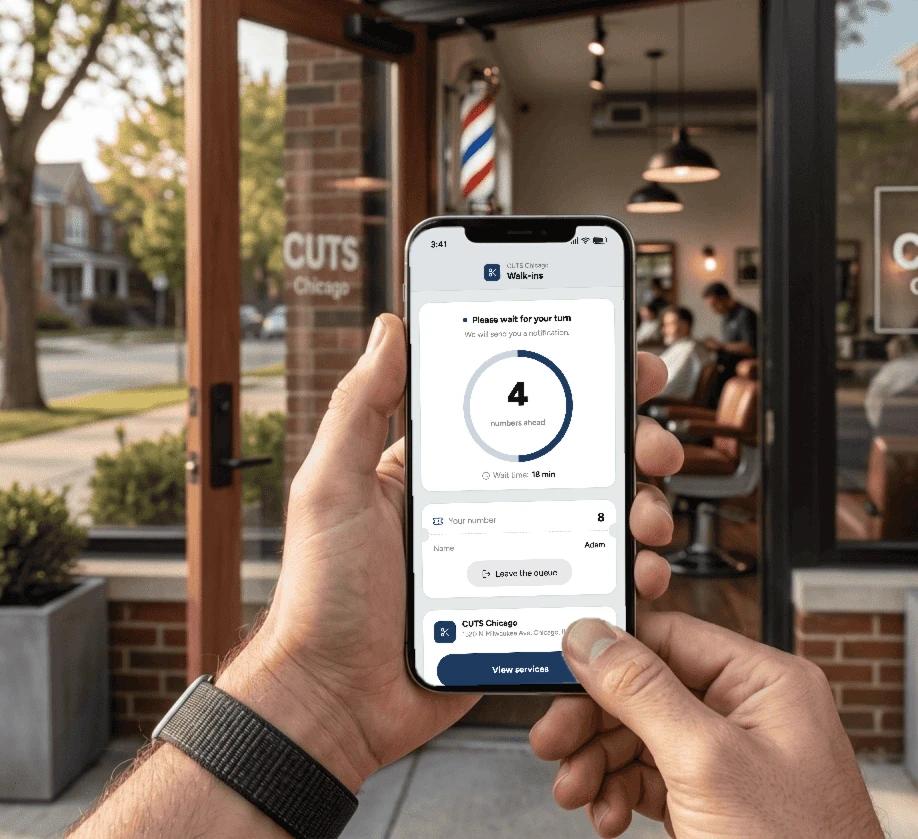
Run per-barber queues for walk-ins, schedule appointments, or both.
- Walk-in queue by service
- Online bookings
- Live position
- Ready alerts
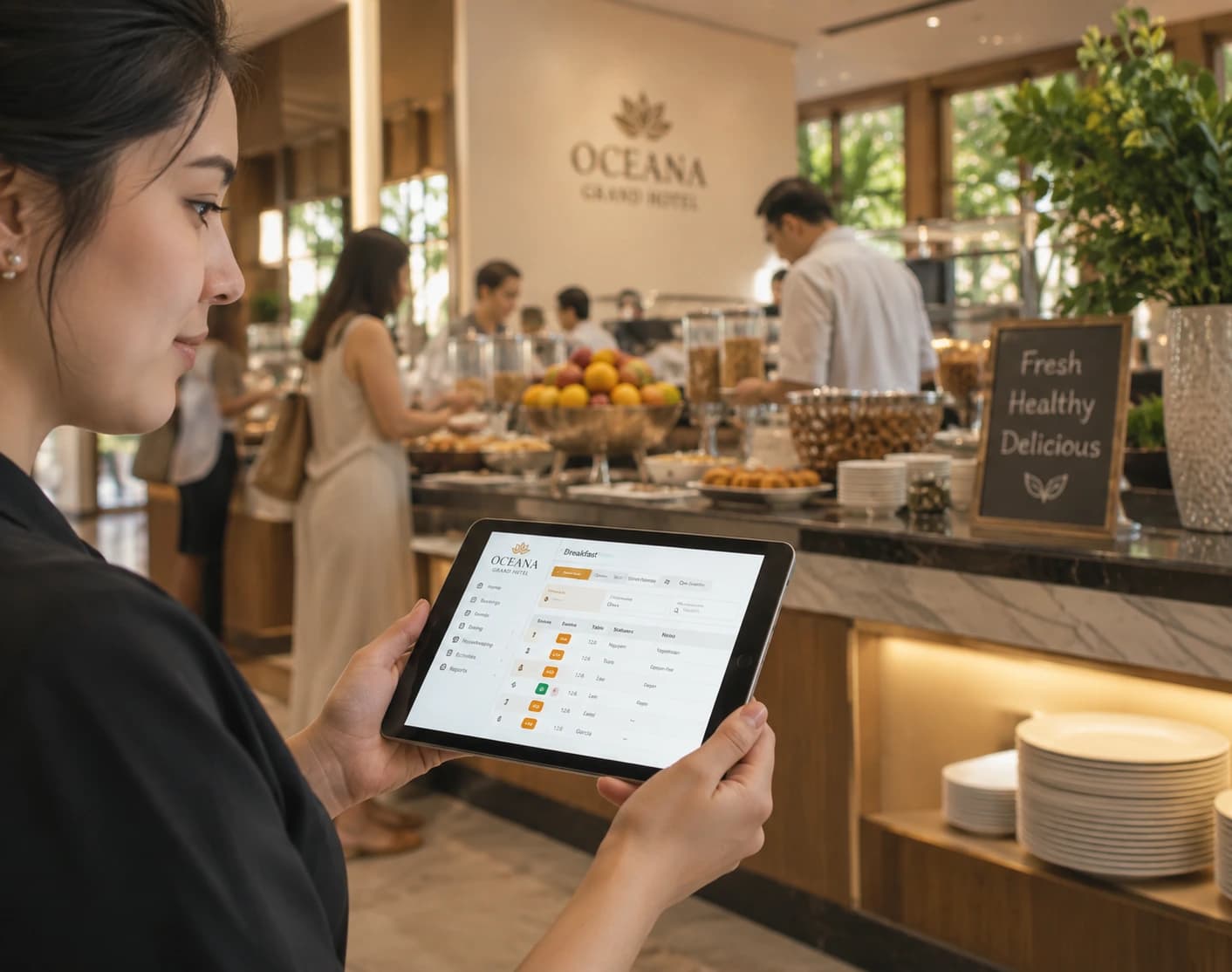
Hotels & resorts
Improve guest experience across breakfast, front desk, spa, and more.
- Breakfast queue
- QR check-in
- Push and WhatsApp updates
- Spa bookings
Hair, nail & beauty salons
Manage bookings and walk-ins at hairdressers, nail salons, or beauty spas.
- Appointments by stylist
- Walk-in queue
- Booking confirmations
- Branded check-in page
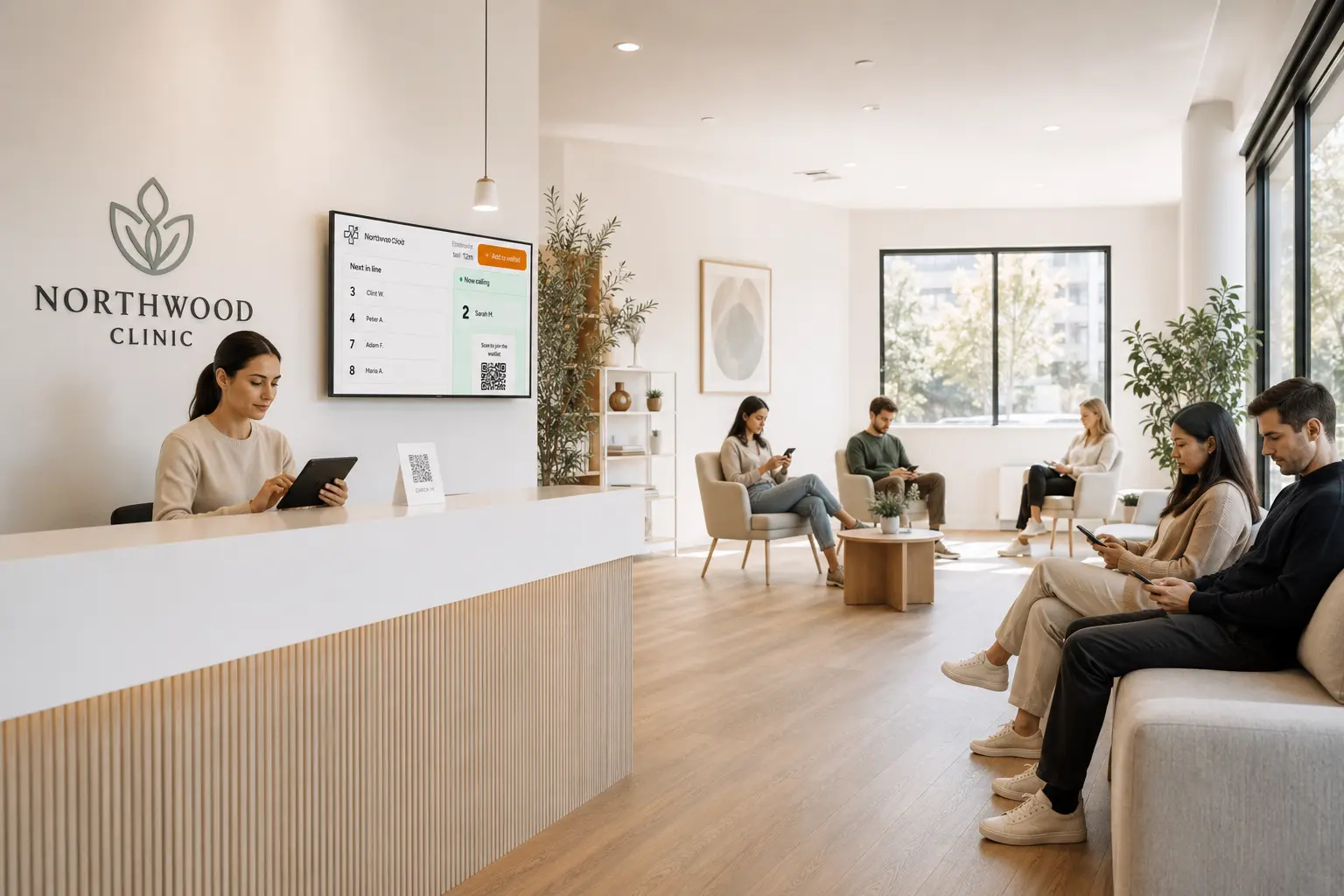
Clinics
Calm the waiting room and give your front desk more time for patients.
- Self check-in
- Virtual waiting room
- Ready alerts
- Wait analytics
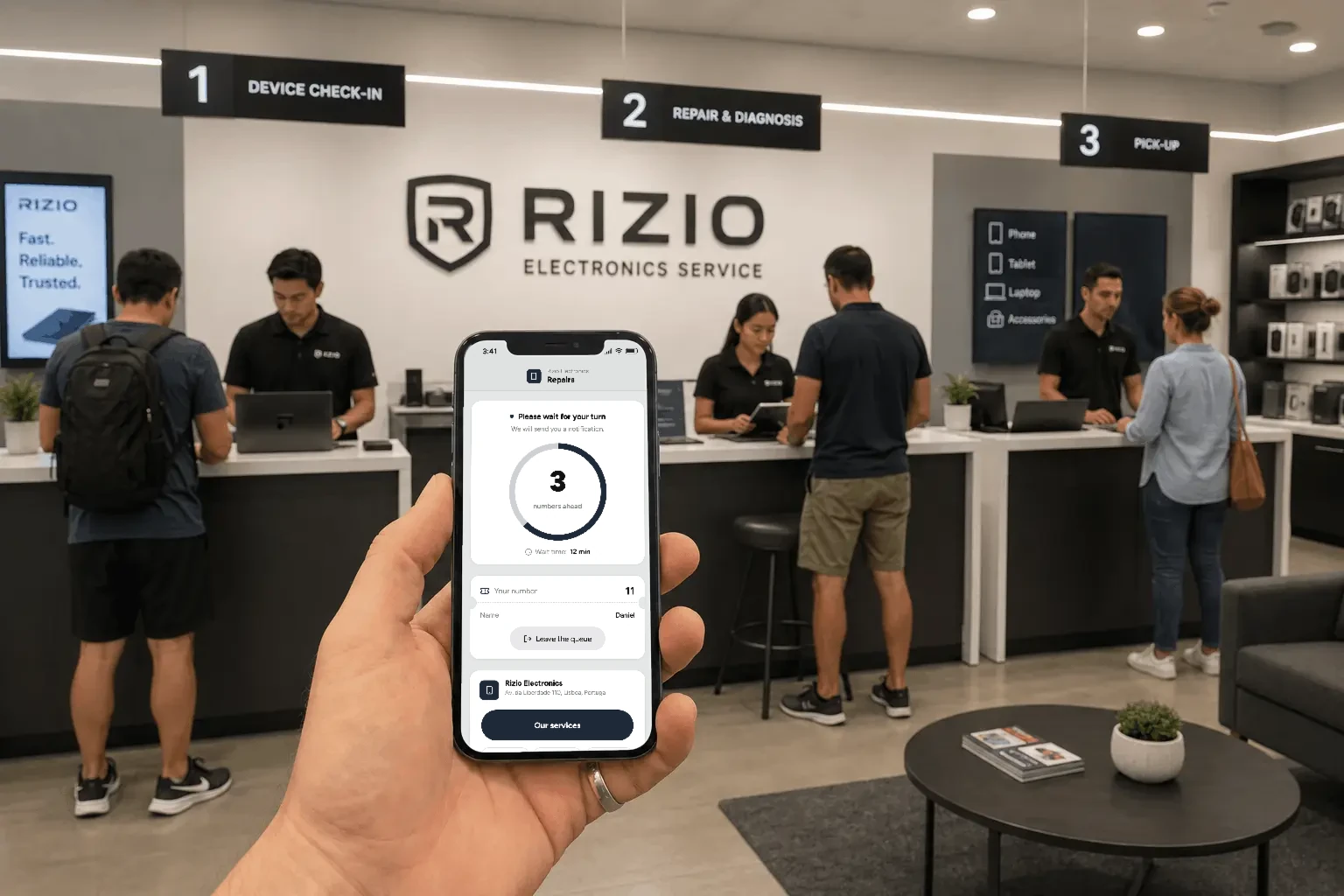
Retail & services
Let customers wait anywhere at retail stores, service counters and more.
- QR check-in
- Queue on a TV
- Kiosk check-in
- Analytics across stores
Events and pop-ups
Running an event?
Keep every guest you attract at pop-ups, activations and venues. Guests scan, join the line and wander off until it's their turn.




Why it matters
Keep more of the customers who walk in
When customers can see their place and how long they’ll wait, they stay. You see every wait at every location and staff around what really happens.
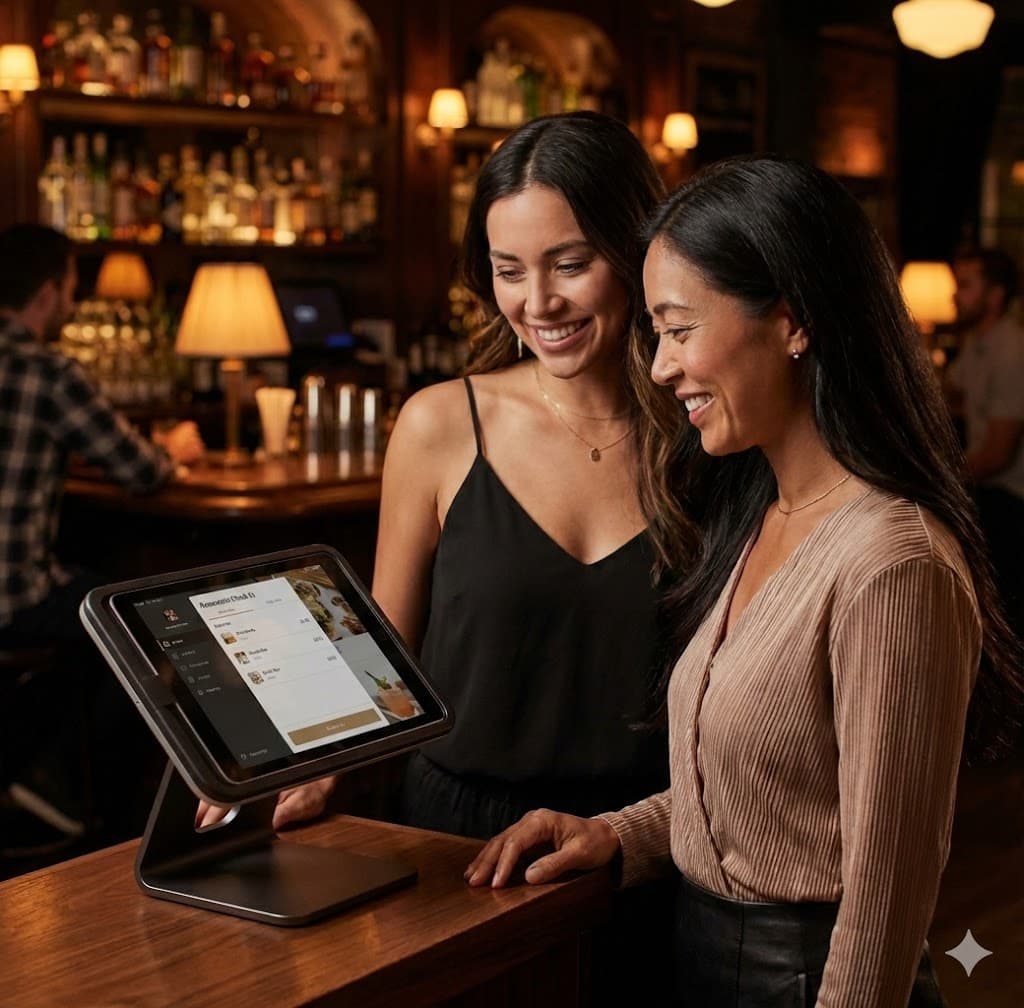
Customers
Remove uncertainty
Long, unclear waits push customers away faster than the wait itself. Customers see their place and estimated wait from anywhere, so they can step out without losing their spot.
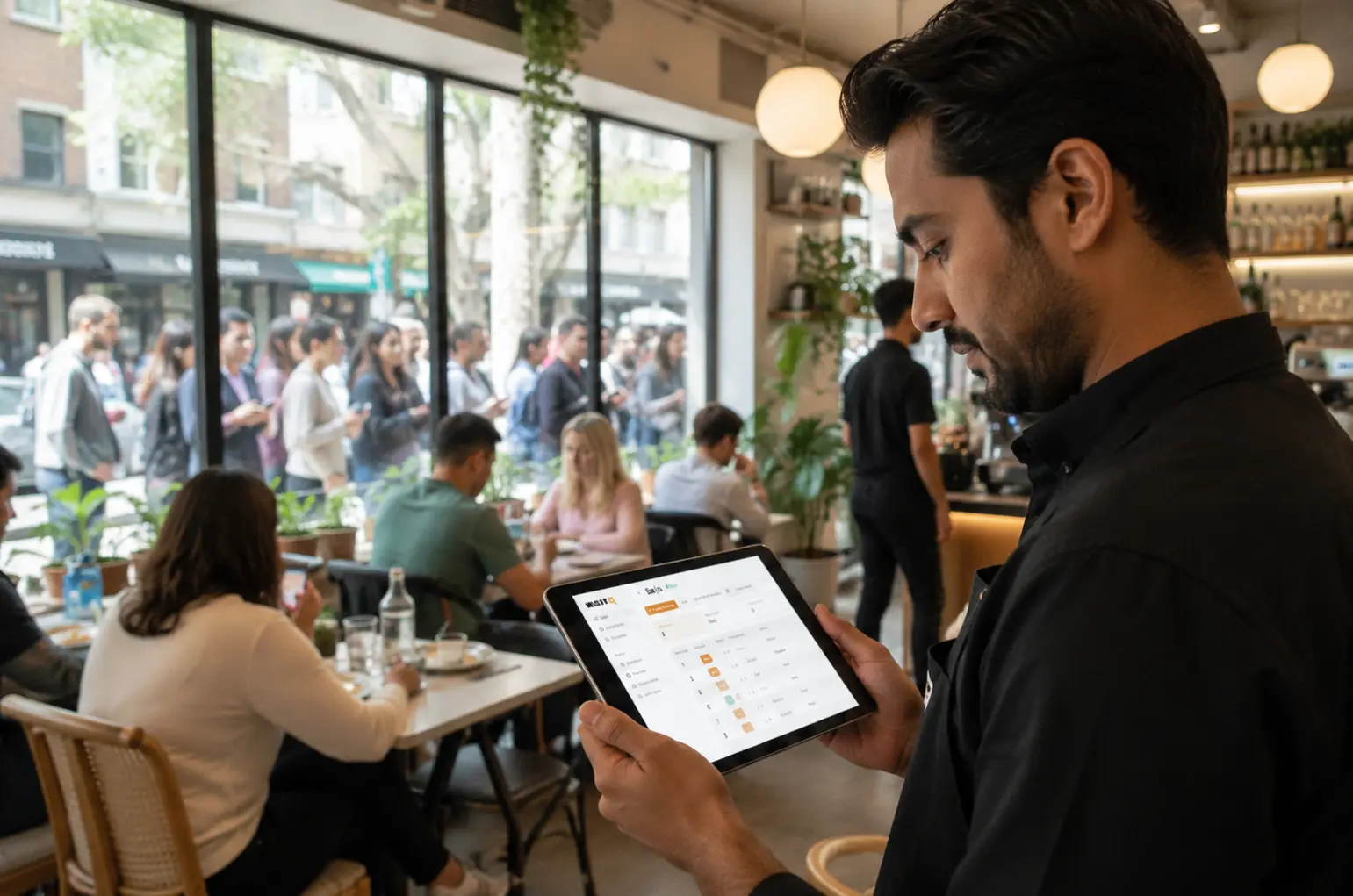
Staff
Manage the whole customer flow
Staff see who's next at a glance and send notifications with one tap. No need to shout names. Bookings sit in the same system as walk-ins, and every location runs from a single WaitQ account.

Managers
Know where your waits break
Real wait times, turnout and peak patterns for every queue and location show where the day gets stuck.
Improve revenue, reviews, and repeat visits
Run WaitQ next to your current process for seven days and compare walk-aways and interruptions.
FAQ